Statuses, Checkpoint, and Thumbnails
Task Statuses
Next, let's create the statuses we intend to use during our Review Workflow.
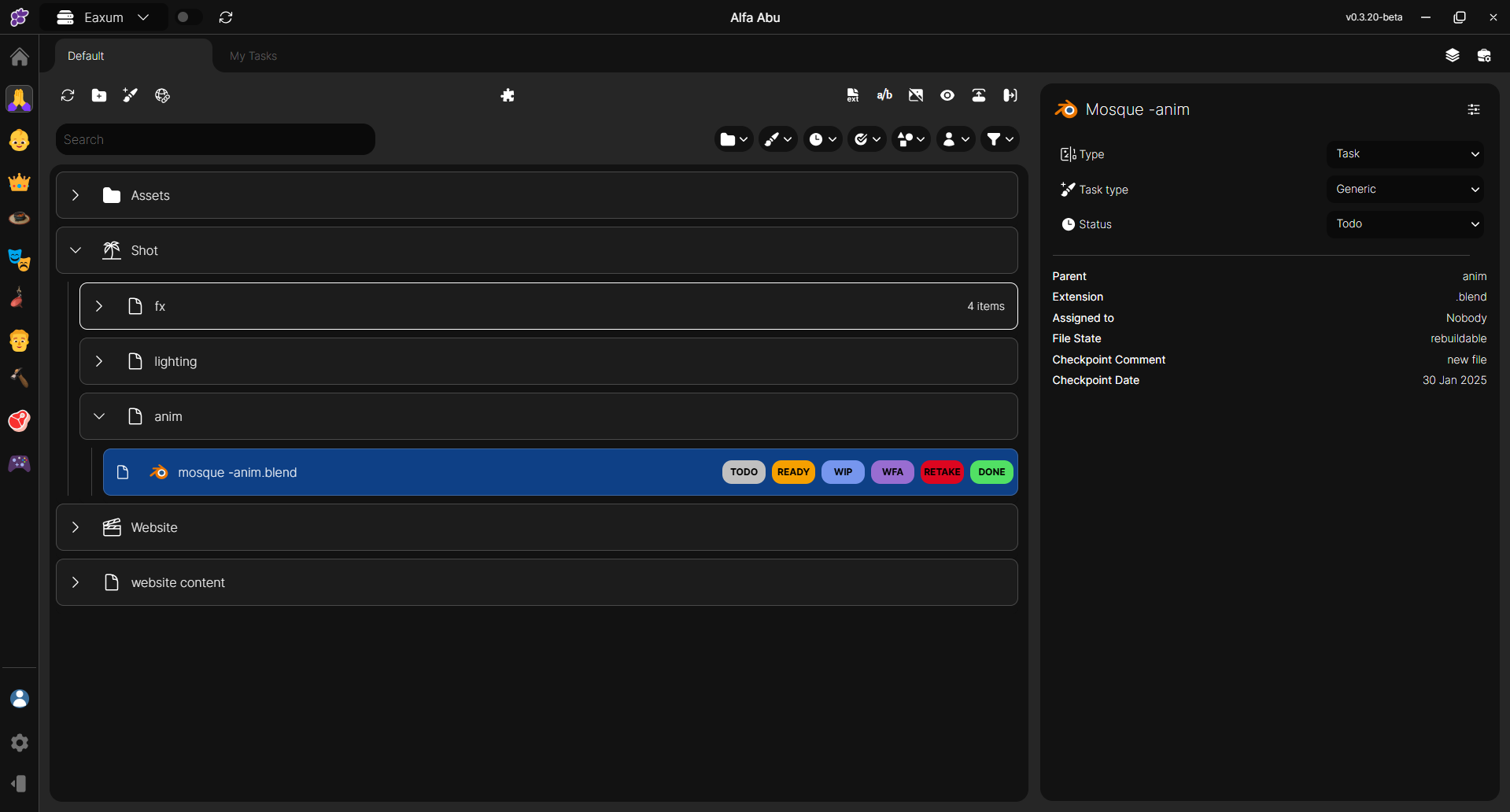
TO-DO: This status indicates that a task has been identified and scheduled but work has not yet begun.

WIP: The "Work in Progress" (WIP) status indicates that a task or project is currently being actively worked on but has not yet reached completion.

WFA: This is a task status indicating that a task, document, or request has been completed and submitted but requires authorization or validation from a designated person or group before proceeding to the next step. In this stage, no further work can be done on the task until the approval is granted.

DONE: The "Done" status indicates that a task has been fully completed according to requirements, with no further action needed. It signifies that all deliverables have been achieved, and the task has passed any necessary reviews, approvals, or quality checks.

RETAKE: Retake refers to the status given to a task, process, or piece of work (such as an animation shot, exam, or review) that requires revision due to errors, incompleteness, or failure to meet specified criteria. When marked with a retake status, the work must be revisited and corrected before it can be approved or finalized.

These statuses are just examples of what is achievable in Clustta. You are free to create your own as needed.
How to add Checkpoints
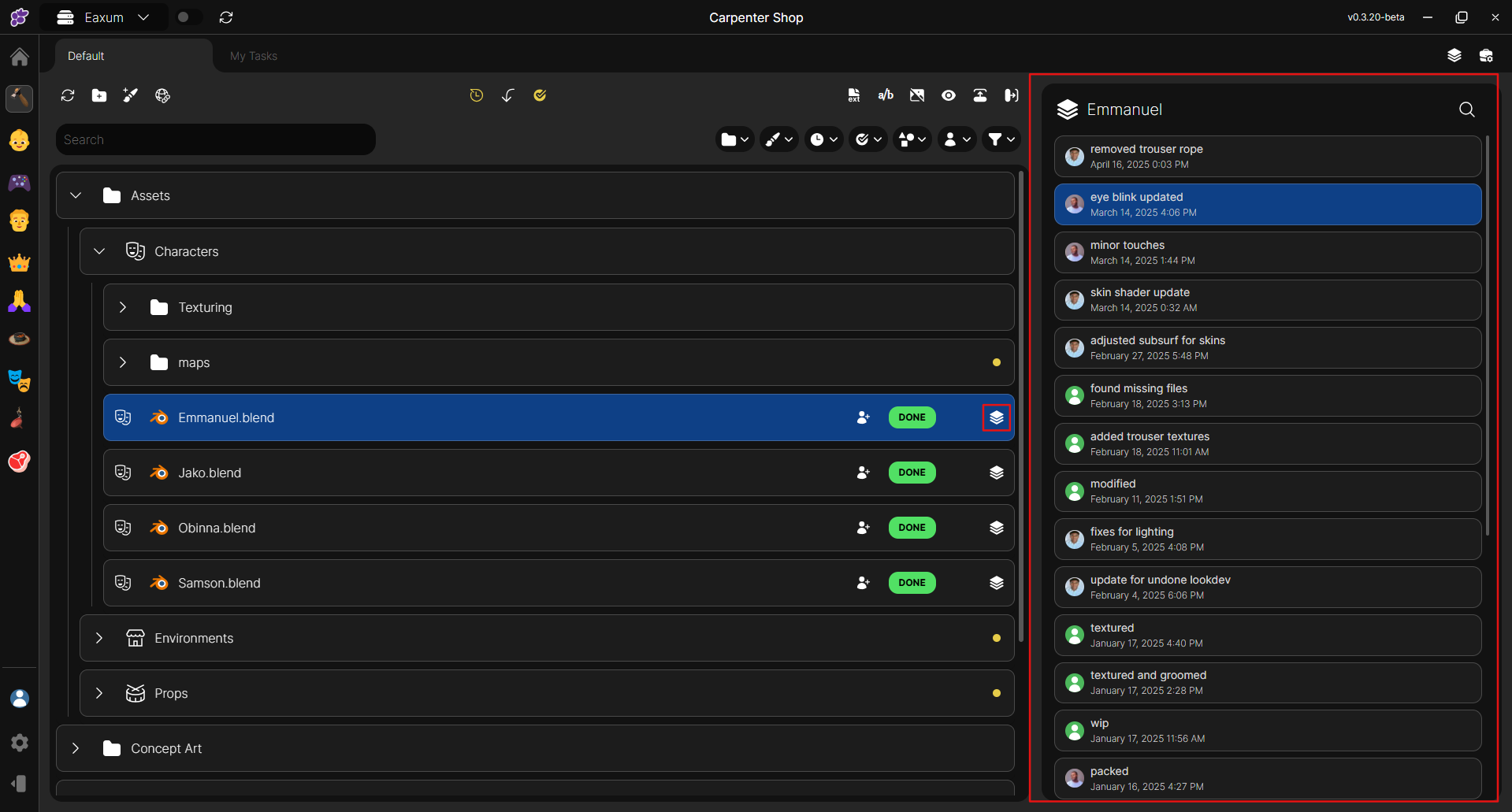
Checkpoints are predefined points in a process or project timeline used to assess progress, verify outcomes, or make decisions. In Clustta, a checkpoint is a saved state of a task that can be reverted to later in a project.
TIP
Clustta uses a detailed naming convention and requires well-documented information for any changes made, ensuring smooth collaboration—especially when multiple artists are working on a single file
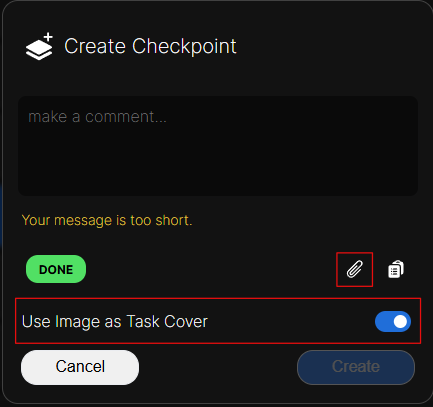
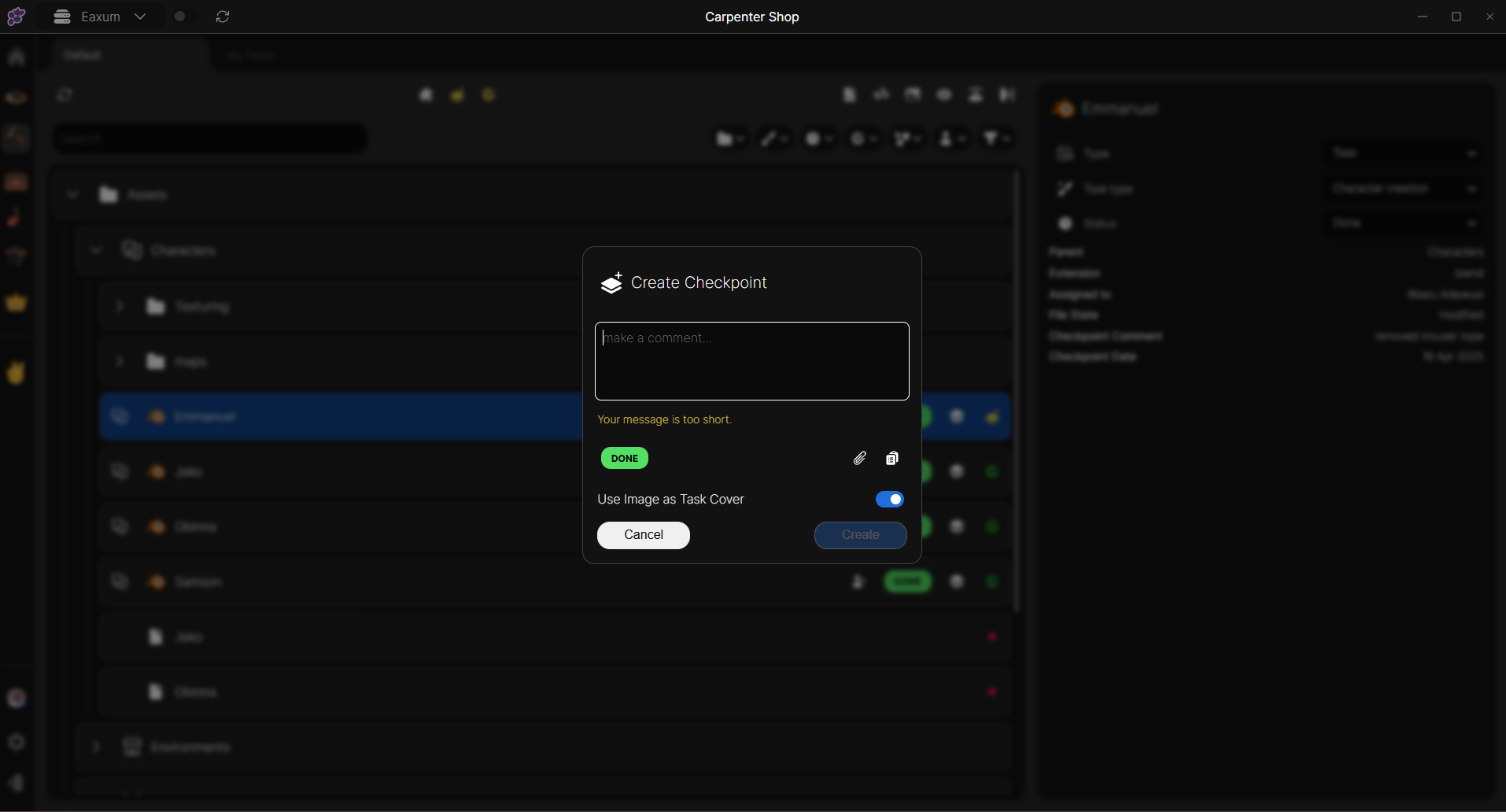
To create a checkpoint, first save your task file. Then, go to Clustta, click on the checkpoint icon, provide a brief summary of the changes you've made, and sync your progress.
TIP
You cannot create a checkpoint for a task that is assigned to someone else on the project.
Adding thumbnails manually
When creating a checkpoint, you can choose to add a screenshot of your progress using Clustta’s thumbnail feature. This feature is enabled by default, automatically generating a task cover whenever you upload an image.