
Search And Filter
The first row and column headers of the spreadsheet remain fixed at the top of the page, even as you scroll down.
Additionally, you can lock other columns to keep them visible at all times, ensuring important information stays in view.
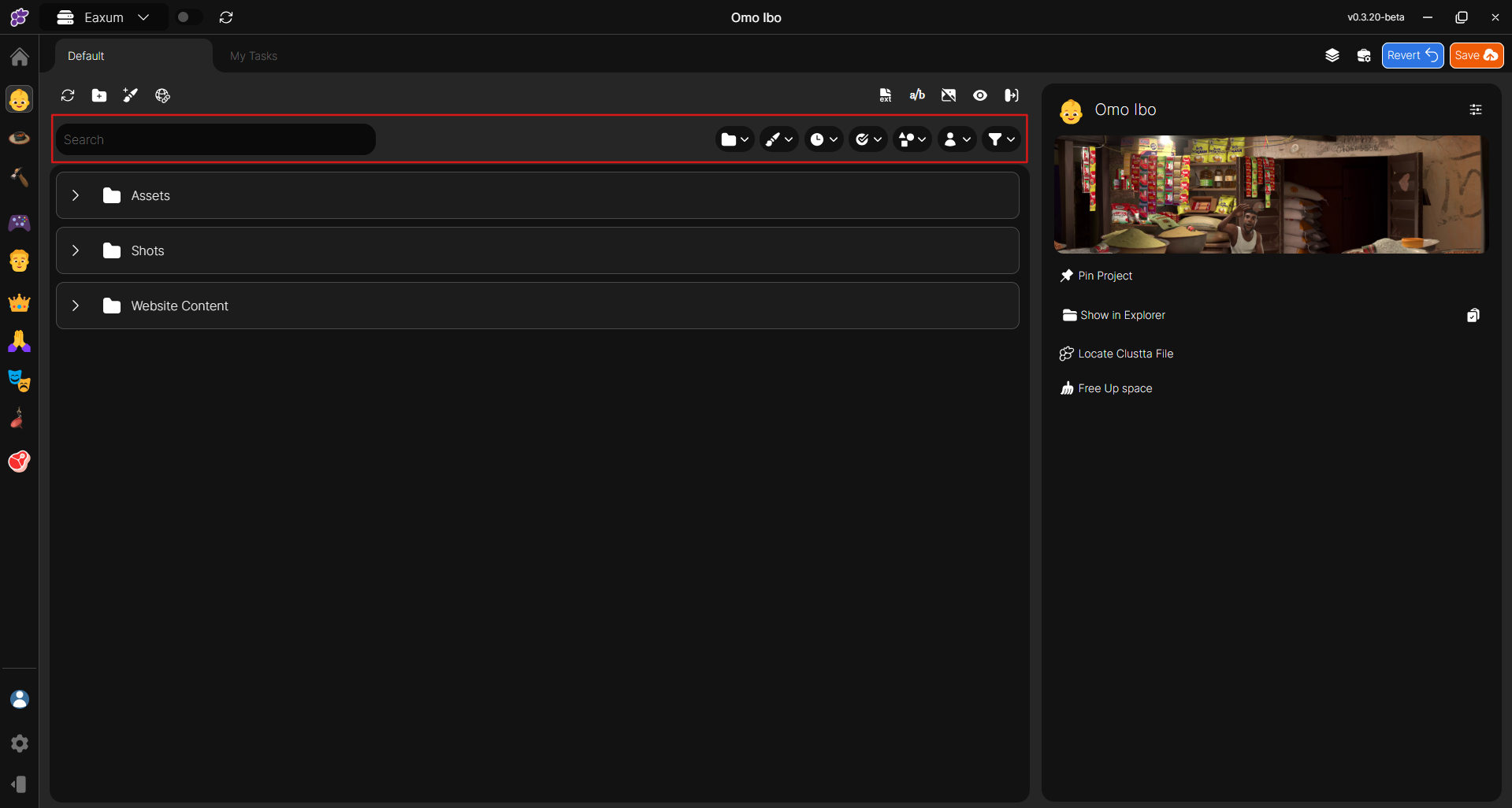
Filters
On the right side of the screen, you'll find several buttons that allow you to hide or show the assignment, toggle the visibility of an additional column, and enlarge or reduce the thumbnail size.
The element highlighted on the bottom right is the filter box, where you can enter any term for simple filtering, such as a sequence, asset type, or other keywords.
For more advanced filtering options, click the filter button.